Features
Every warehouse process is guided, tracked and configurable to your organisation’s rules.
Receiving
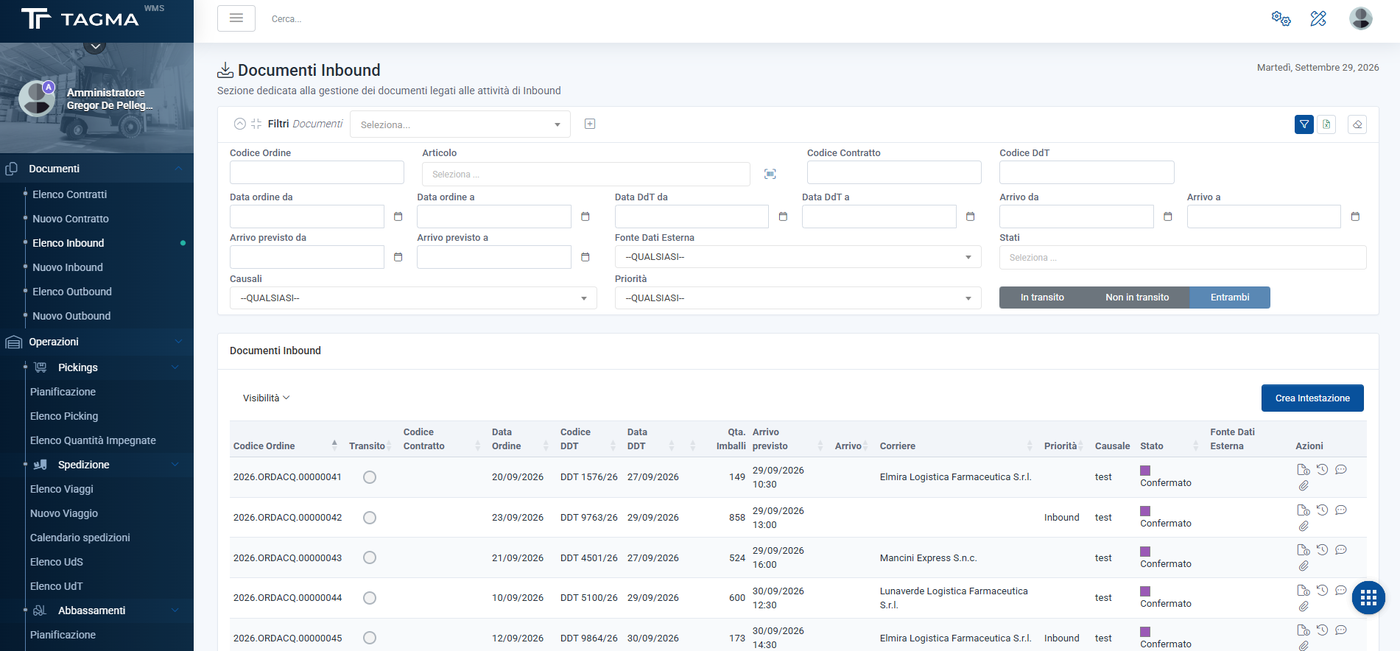
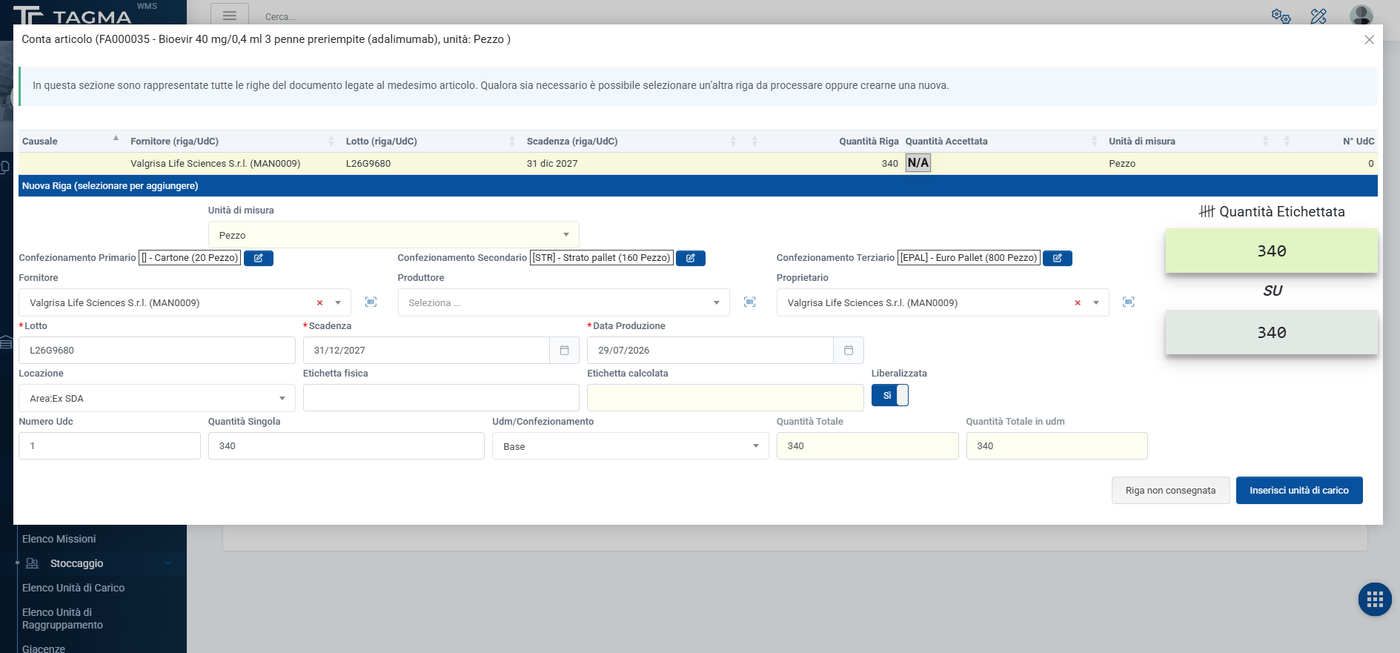
- Inbound from purchase orders or supply contracts, checked against ordered quantities and delivery notes
- Quantity and quality checks, with a reason code for every difference
- Progress statuses up to validation and loading into stock
- Load unit creation and label printing
Put-away and locations
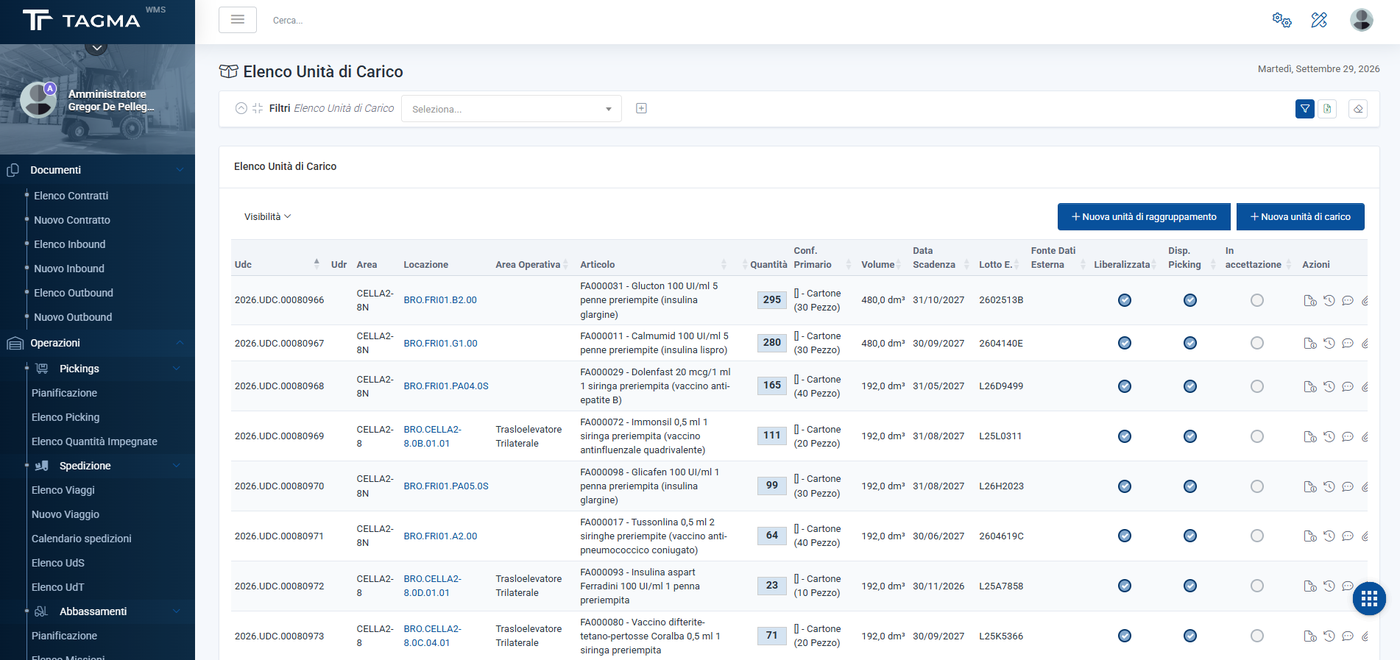
- Location suggested automatically based on the item, available space and distance
- Multi-level warehouse structure (areas, aisles, racks, locations) with different rules for picking, storage and receiving
- Movements, quantity transfers and associations between units
- Blocks with reason codes and reserved units
Picking
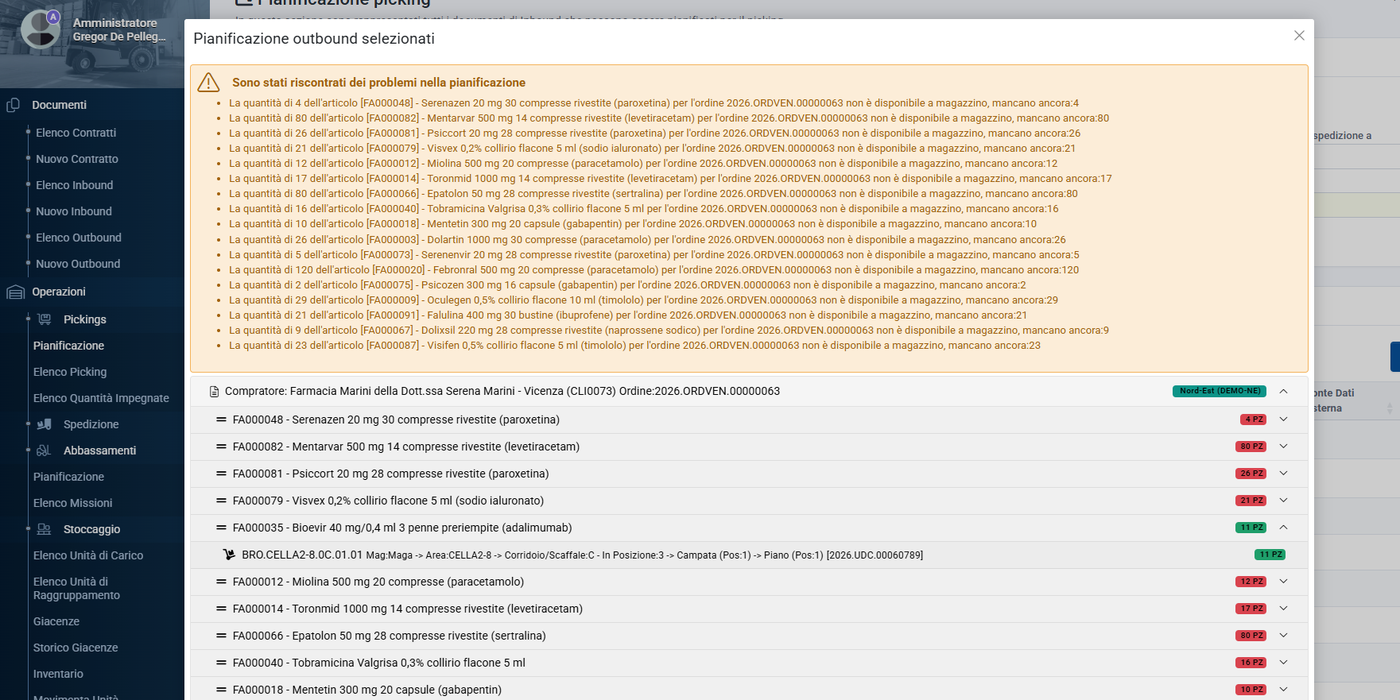
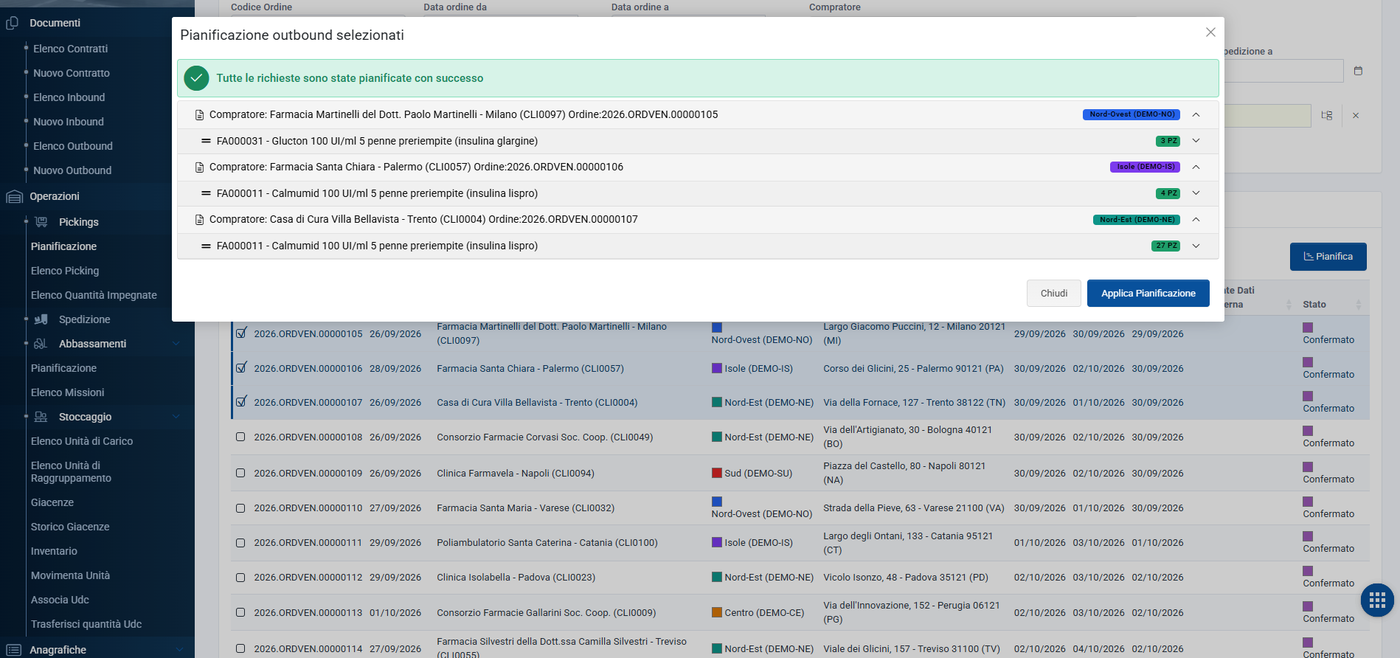
- Planning with simulation before release
- Automatic choice of the units to pick: picking area first, then earliest expiry (FEFO) and receipt date (FIFO), with the option to force a choice
- Picking lists assigned to operators, who take them in charge
- Picks sequenced along the shortest route, by priority
Replenishment and stock levels
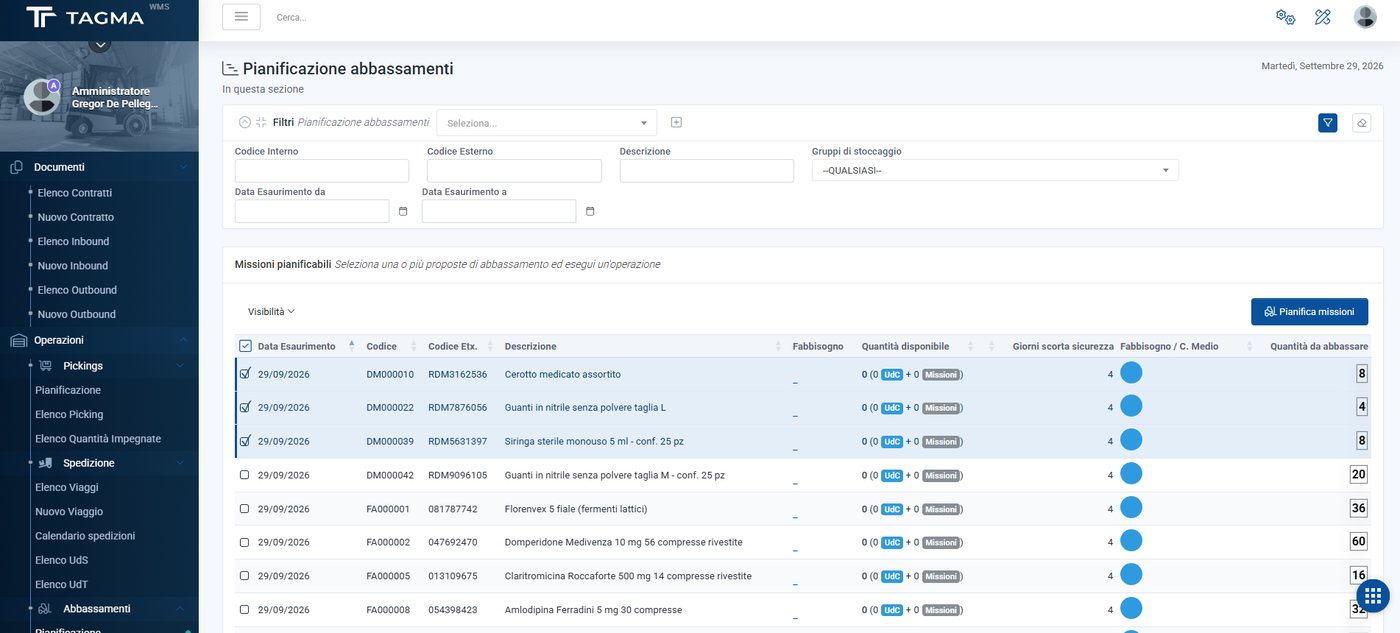
- Picking area needs calculated from forecasts and average consumption, with days of cover per item family
- Highlighting of items at risk of stock-out
- Generation, assignment and execution of replenishment missions
Inventory
- Inventory campaigns and spot checks, with confirmed, adjusted or unit-not-found outcomes
- Automatically scheduled stock snapshots, with history for analysis
Shipping and delivery
- Outbound orders from the back office, the API or the order portal
- Shipping and transport units, with order consolidation
- Trips planned on a calendar, with time slots and delivery areas
- Delivery note and delivery reminders by email
Printing and workflows
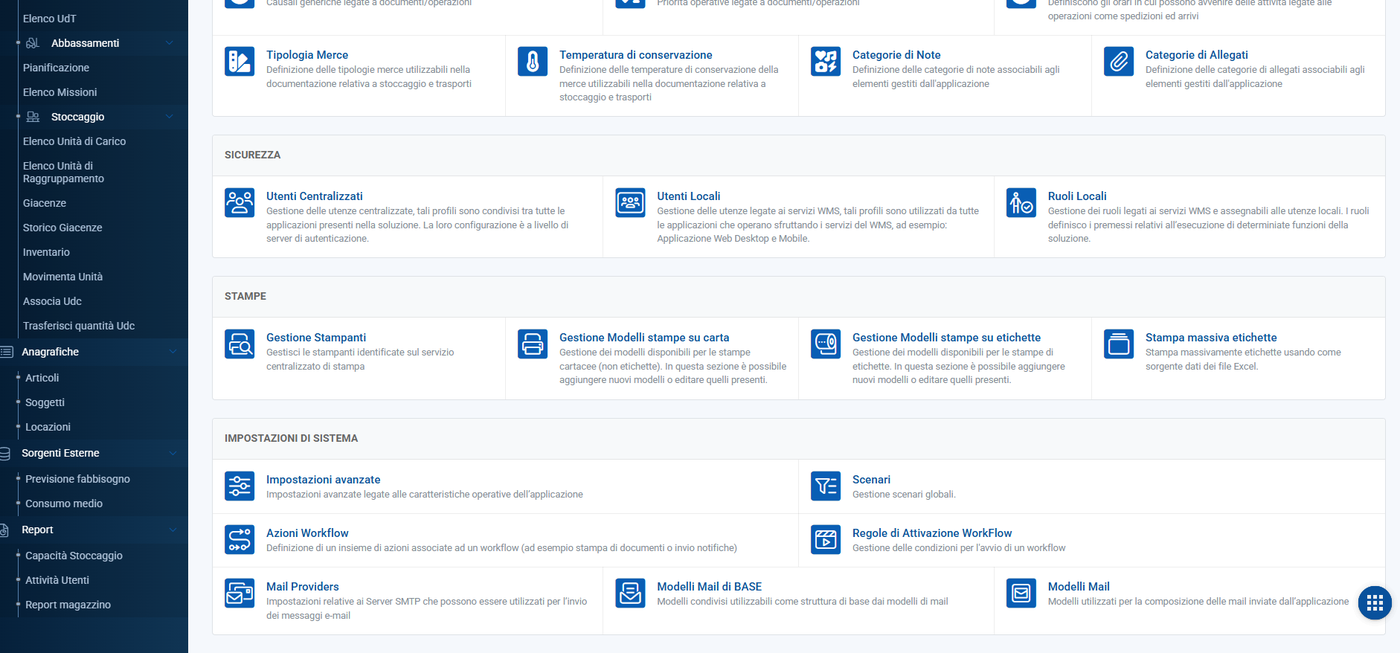
- Multiple, customisable print layouts for labels and documents: locations, load units, items, inbound, outbound and deliveries
- Each layout adapts to the customer, the format and the printer, straight from the back office
- Centralised printing on label printers and network printers
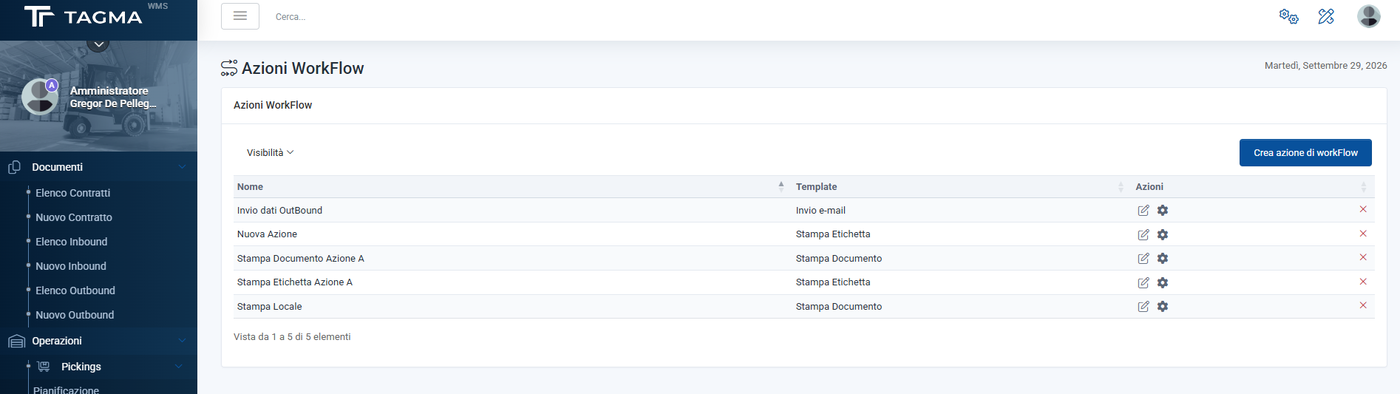
- Customisable workflows: rules that, on an event or status change, automatically trigger printing, documents and notifications
- Reports on warehouse occupancy and activity, with every list exportable to Excel
Want to see it in action?
We will arrange a demo based on your processes and look together at how to integrate it with the systems you already use.