Order portal
The module that brings orders straight into TAGMA, even when they do not go through a business system.
Orders straight to the warehouse, without going through the ERP
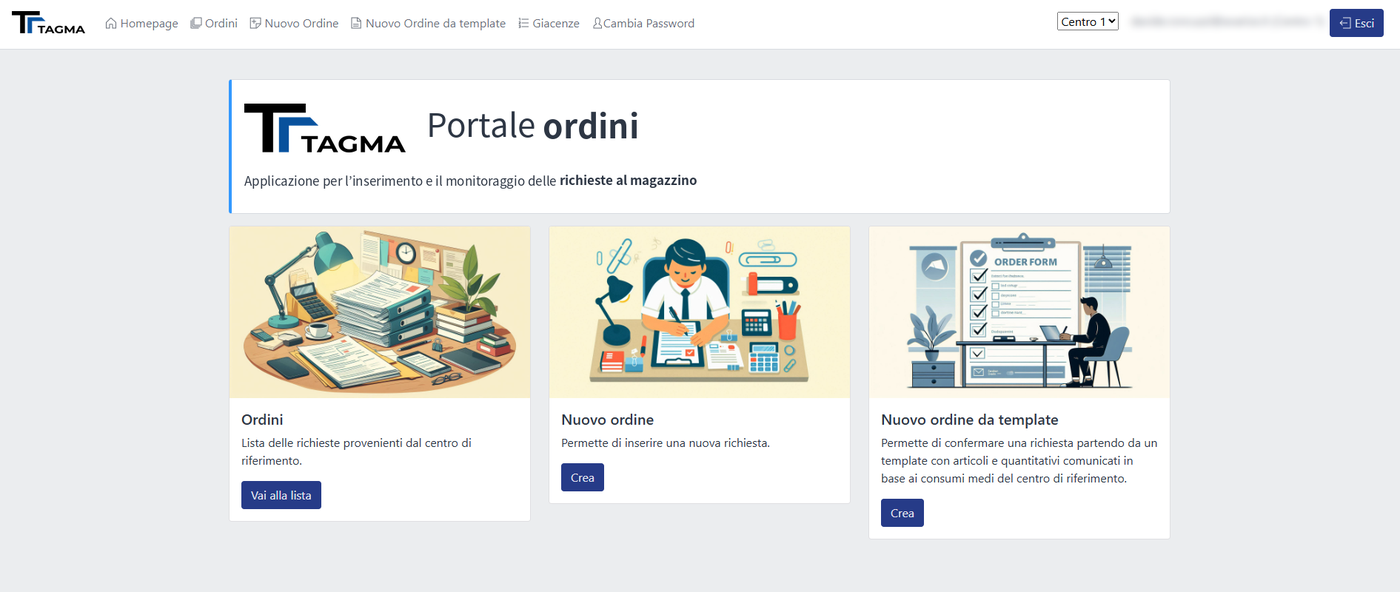
Orders usually reach the warehouse from an ERP. Often, however, the people ordering do not have a connected business system, or it would make no sense to route orders through it: think of a pharmacy restocking from a central warehouse, or a customer who stores its own materials and wants to request them when needed.
The Order portal gives them direct access to the warehouse. Each of them sees only what they can order, builds the request on their own and, after validation by a manager where required, the order enters TAGMA and follows the normal picking and shipping flow.
No more phone calls, emails or spreadsheets to retype: orders arrive complete and always aligned with real availability.
Two examples
Healthcare: pharmacies order from the warehouse
Pharmacies, or departments, order the products they need from the central warehouse, choosing among the items enabled for them and seeing availability straight away.
Logistics: customers request their own materials
The customers of a logistics provider place orders directly for the materials they keep in storage, with no intermediaries.
Each customer, its own portal
- Configurable customers: each customer or centre has its own profile and rules
- Configurable access: users and roles defined for each customer
- Configurable orderable goods: each customer sees and orders only the item types enabled for them
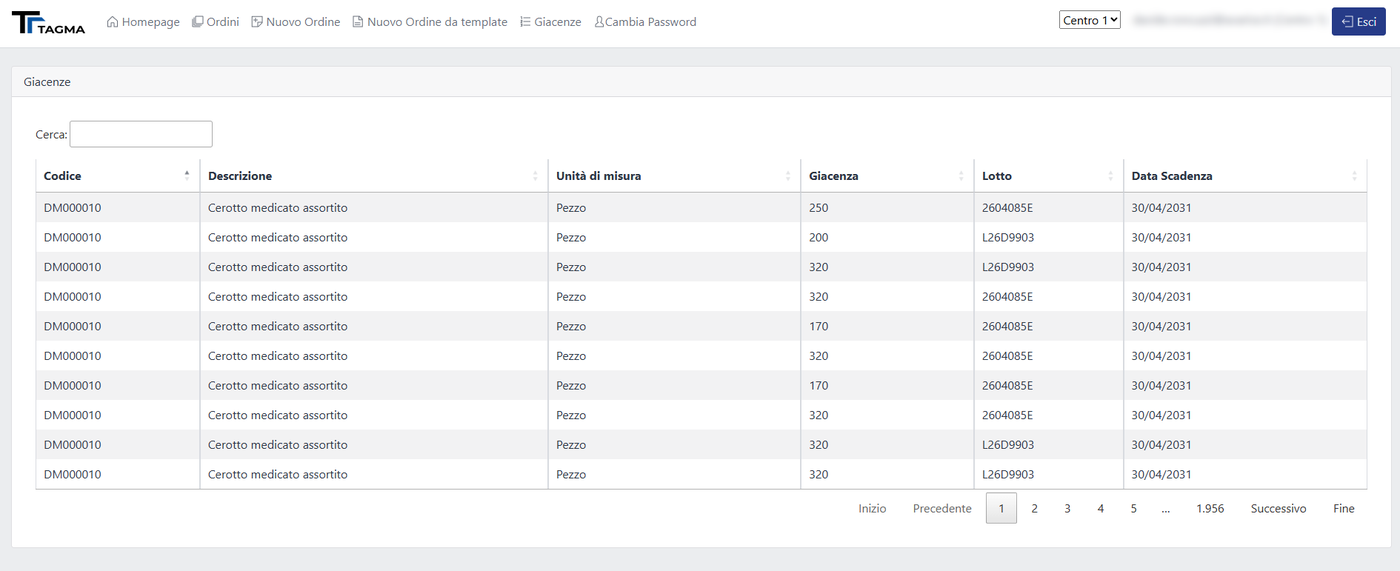
- Availability and stock visible before ordering
Many requesters, one manager
Several users of the same centre, for example the departments of a facility or the branches of a customer, can place orders in parallel. Before reaching the warehouse, orders go through a manager who checks them and approves or rejects them.
This way the centre keeps control over what is requested, and the warehouse only receives orders that are already authorised.
How it works
Check availability
Users see the items they can order, with availability.
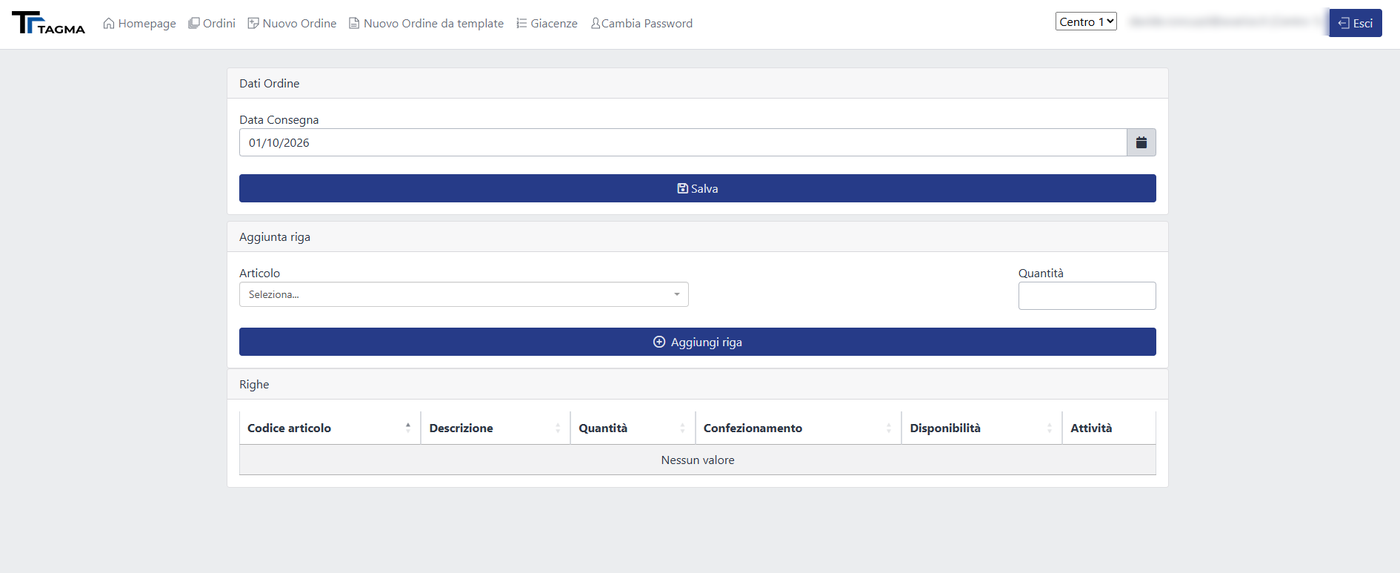
Place the order
They build the order on their own, according to their profile’s permissions.
A manager validates
The centre’s manager approves or rejects the order.
The warehouse prepares
The validated order enters TAGMA and is picked and shipped.
Want to see it in action?
We will arrange a demo based on your processes and look together at how to integrate it with the systems you already use.